
blog-test
图片路径
- source/文章名
- source/images/文章名
- source/_post/文章名
1 | 博客根目录/ |
1 | 思考 |
1 source/文章名
仅图片名


文章名
- / 网站可用


2 source/images/文章名
仅图片名


文章名


⭐images/文章名
- / 可用




3 source/_posts/文章名
仅图片名
- 无 和 ./ 可用


文章名
- 后两个网站可用,但是为什么typora突然预览不了


markdown
字体
Typora中markdown的语法
普通文本 加粗 斜体 粗斜体 下划线 代码
删除线 ==高亮文字==
- 任务 1
- 任务 2
分割线:
链接
普通链接:普通链接
直接链接:https://github.com
锚点链接:查看gif图片
| 场景 | 写法 |
|---|---|
| 页面内跳转 | [点击](#标题名) |
| 跳到另一个文件的标题 | [点击](./other.md#标题名) |
数学公式
内联公式:
公式块:
代码
行内代码
变量 myvar 被设置为值 100。
代码块
1 | with tmp as( |
mermaid
流程图:
graph TD
    A[开始] --> B{是或否}
    B -->|是| C[执行任务]
    B -->|否| D[结束]
    C --> D
%% 直接给节点填色、描边、改字色
style A fill:#d73027,stroke:#333,stroke-width:2px,color:#fff
style B fill:#fc8d59,stroke:#333,stroke-width:2px
style C fill:#fee08b,stroke:#333,stroke-width:2px
style D fill:#91bfdb,stroke:#333,stroke-width:2px
序列图:
%%{init: {'theme': 'base', 'themeCSS': 'text, tspan { fill: #000 !important; font-size: 22px !important; font-weight: bold !important; } line { stroke: #000 !important; } .actor { fill: #fff !important; stroke: #000 !important; stroke-width: 2px !important; } .labelBox { fill: #fff !important; stroke: #000 !important; }'
}}%%
sequenceDiagram
    participant A as 参与者A
    participant B as 参与者B

    A->>B: 消息示例
    B-->>A: 返回响应

    alt 条件分支
        A->>B: 分支消息
    end
思维导图
列表
内容一
小1
小2
缩进代码块
内容二
- 有序1
- 有序2
内容三
表格
| 名字 | 姓氏 | 电子邮件 |
|---|---|---|
| John | Doe | john.doe@example.com |
| Muffin | Poppies | muffin.poppies@example.com |
| Jane | Doe | jane.doe@example.com |
| 左对齐 | 居中对齐 | 右对齐 |
|---|---|---|
| AAA | BBB | CCC |
标签
标签: #dashboard #notes
警告框
[!NOTE]
提醒内容
[!TIP]
建议内容
[!IMPORTANT]
重要内容
[!WARNING]
警告内容
[!CAUTION]
注意内容
引用
引用语法:
引用了一段名人名言
嵌套引用
俄罗斯套娃
脚注
标题 1
标题 2
标题 3
标题 4
标题 5
标题 6
gif图片
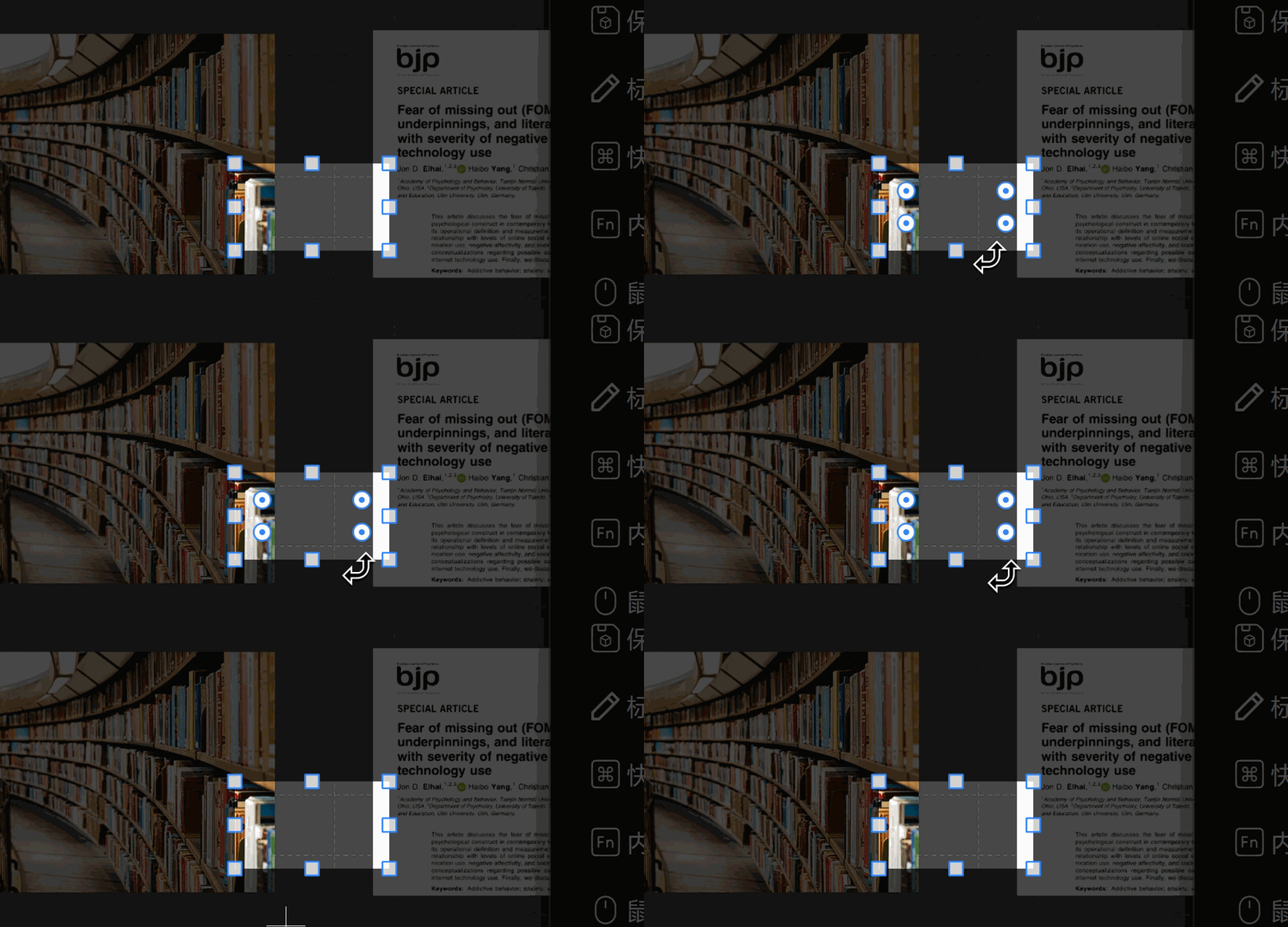
可以正常显示oh~ye!
粘贴的时候是..\PDF\test.pdf,目标是/PDF/test.pdf我不想手动改,有没有代码自动化这个流程的方法
要在粘贴的时候就转换,是不是要改typora
在 Typora 用户目录创建 plugins/ 文件夹,新建pdf-path-fix
1 | module.exports = { |
自定义插件,typora粘贴的时候是..\PDF\test.pdf,目标是/PDF/test.pdf
其他
本博客所有文章除特别声明外,均采用 CC BY-NC-SA 4.0 许可协议。转载请注明来源 kika-秋!
评论